
MTR WEB SOLUTIONS • WORDPRESS SECURITY & MAINTENANCE
Why Are There So Many WordPress Updates Lately?
What business owners need to know about security, compatibility, and keeping a WordPress website healthy.
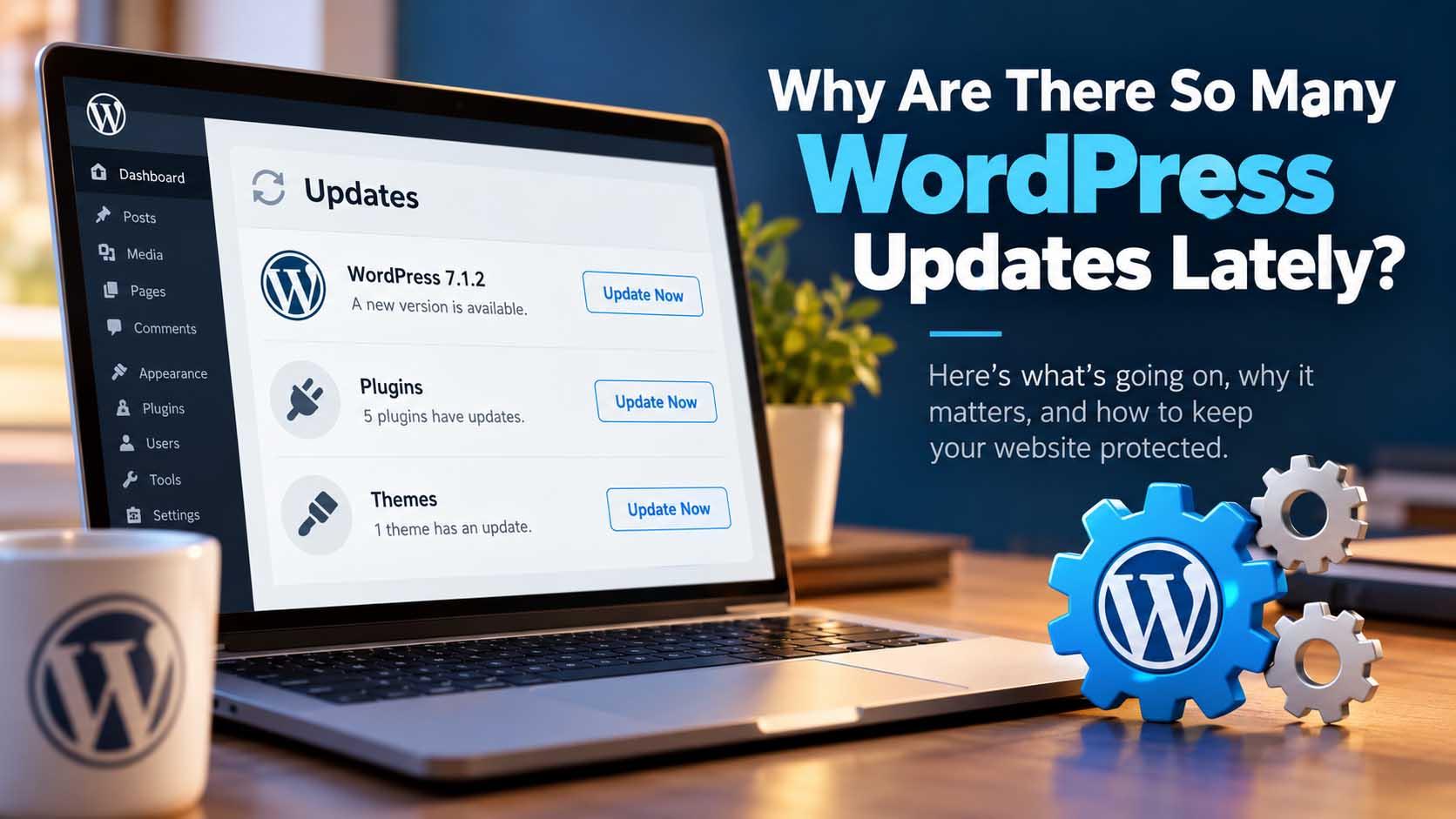
If you manage a WordPress website, you may have noticed something recently: there seem to be updates every time you log in.
WordPress needs an update. Then a plugin needs an update. Then another plugin. Then your theme. Sometimes WordPress itself updates again only a few days later.
So what is going on?
The short answer is that WordPress is evolving quickly, security vulnerabilities are being identified and patched faster, and developers are continually updating themes and plugins to remain compatible with the latest versions of WordPress.
In most cases, frequent updates are a good thing. Ignoring them is where problems can begin.
WordPress Has Had Several Important Updates in a Short Period
The recent increase in update notifications isn’t just your imagination.
WordPress 7.1 was released on August 19, 2026, bringing significant changes to responsive design controls, media handling, editing tools, accessibility, performance, and the underlying tools available to developers. The release included more than 1,500 enhancements and fixes.
Then came important maintenance and security releases. On September 17, WordPress 7.1.1 included fixes to WordPress Core and the Block Editor along with multiple security fixes.
Just five days later, on September 22, WordPress 7.1.2 was released to address a critical-severity security vulnerability, and website owners were advised to update promptly.
That follows several security and maintenance releases earlier in the year. That’s a lot of activity in a relatively short period.
But it doesn’t necessarily mean WordPress is suddenly unsafe.
More Updates Don’t Mean WordPress Is Becoming Less Secure
It can actually mean the opposite.
WordPress is open-source software supported by a worldwide community of developers, security researchers, hosting companies, and technology companies. Potential vulnerabilities are continually being discovered, responsibly reported, and corrected.
When an issue is identified, the safest response is to release a fix rather than wait for the next major version. That sometimes results in several updates being released close together.
From a website owner’s perspective, seeing another update notification can feel annoying. From a security perspective, however, it means someone found a problem and a fix is available.
The bigger risk is leaving the known problem unpatched.
Updates are usually a good sign.
Ignoring known updates is where the real risk starts.
WordPress Core Is Only One Piece of Your Website
Another reason it may feel like updates are happening constantly is that a WordPress website isn’t made up of WordPress alone.
Most business websites include WordPress Core, a theme or page builder such as Divi, SEO tools, security software, forms, analytics, e-commerce software, backup systems, caching and performance tools, and specialized plugins for everything from calendars to memberships.
Each of these components is developed independently. When WordPress makes a significant change, theme and plugin developers may need to modify their software to maintain compatibility.
What appears to be ten separate problems may really be ten developers making sure their software continues working correctly with the latest WordPress release.
Security Threats Continue to Change
Web security isn’t something that can be permanently “finished.” The techniques used to attack websites continue to change, and researchers continue to find weaknesses in software that may have existed unnoticed for months or even years.
Once a vulnerability becomes publicly known, keeping outdated software installed can become considerably more dangerous because attackers may begin looking specifically for websites still running the vulnerable version.
This is why security releases are different from ordinary feature updates. A new feature may be something you can postpone. A critical security patch usually isn’t.
Why Not Just Turn On Automatic Updates for Everything?
Automatic updates can be useful, particularly for security patches, but simply enabling every available automatic update isn’t always the best maintenance strategy for a business website.
WordPress websites contain components from many different developers. Occasionally, an update to one plugin can conflict with another plugin, a theme, custom programming, or a particular server configuration.
That’s why professional WordPress maintenance should involve more than clicking Update All.
Before and after significant updates, the website should have a reliable backup and important functionality should be checked. On more complex websites, updates may need to be staged or tested before being applied to the live website.
Updates Improve More Than Security
Security gets most of the attention, but WordPress updates also address performance, accessibility, browser compatibility, mobile usability, and editing capabilities.
Plugin and theme developers are making similar improvements. Keeping a website current can help it remain compatible with modern browsers, PHP versions, hosting environments, mobile devices, and third-party services.
The Real Problem Is the Website Nobody Is Maintaining
One of the most common problems we encounter isn’t a website that has too many updates. It’s a website that hasn’t been updated in months — or sometimes years.
That creates technical debt. WordPress may be outdated. Twenty plugins may be several versions behind. The theme hasn’t been updated. PHP needs upgrading. A backup system has stopped running. A plugin may have been abandoned by its developer.
At that point, what could have been routine maintenance can turn into a much larger project.
Websites are no longer something businesses can build once and simply leave alone. They require ongoing maintenance just like computers, servers, smartphones, and other technology.
MTR WordPress Care Plans
Keep your website updated, protected, backed up, and monitored without having to wonder which update button is safe to click.
Essential Care
$79
per month
✓ WordPress Core updates
✓ Plugin & theme updates
✓ Divi updates & Divi license
✓ Enhanced security plugin
✓ Malware scans
✓ Website backups
✓ Uptime & SSL monitoring
✓ Routine website health checks
MOST POPULAR
Professional Care
$149
per month
✓ Everything in Essential Care
✓ Broken-link monitoring
✓ Performance monitoring
✓ Google Analytics 4 setup
✓ Search Console / Site Kit
✓ Monthly maintenance report
✓ Up to 30 minutes of website edits
✓ Website restoration assistance
✓ Priority support
Premium Care
$249
per month
✓ Everything in Professional Care
✓ Up to 60 minutes of website edits
✓ Monthly database optimization
✓ Monthly responsive & form checks
✓ Technical SEO checks
✓ Advanced performance review
✓ Emergency priority support
✓ Quarterly visibility review
Plan notes: Included edit time does not roll over. Work beyond the included monthly time is billed at MTR’s standard maintenance rate of $85/hour. Website hosting is separate. Larger or more complex websites may require a custom management plan.
What Should WordPress Website Owners Do?
The best strategy isn’t to be afraid of updates, and it isn’t to ignore them. It’s to manage them.
Keep WordPress Core current. Keep themes and plugins current. Maintain dependable backups. Remove plugins you’re no longer using. Replace abandoned software. Monitor the website for security issues and verify that important functionality continues working after updates.
Most importantly, don’t assume that because your website looks fine today, everything behind it is fine too.
Security problems don’t usually announce themselves with a flashing warning on the home page.
WordPress Is Still an Excellent Platform
At MTR Web Solutions, we’ve worked with WordPress for many years and continue to believe it is one of the strongest website platforms available to businesses.
The fact that WordPress is actively updated is one of its strengths. The software continues to evolve, vulnerabilities are patched, performance improves, new technologies are supported, and an enormous development community continues building around the platform.
The tradeoff is that WordPress websites need ongoing attention. And lately, they’ve needed a little more attention than usual.
WordPress Update Questions Business Owners Ask
Are WordPress updates safe?
Most updates are safe, but any software update can occasionally create a compatibility issue. Reliable backups and post-update checks are important, particularly for business-critical websites.
Should every WordPress update be installed immediately?
Security updates should generally be treated as a priority. Feature updates may allow more time for compatibility testing, depending on the website and the software it uses.
Should I turn on automatic updates for every plugin?
Automatic updates can reduce the time a known vulnerability remains exposed, but they do not replace monitoring, backups, compatibility checks, and professional maintenance.
How often should a WordPress site be maintained?
Business websites should be monitored continuously and reviewed regularly. Waiting months between update cycles can create unnecessary security and compatibility risk.
Let MTR Take Care of the Updates
You shouldn’t have to wonder whether it’s safe to click “Update” — or whether ignoring an update could leave your website exposed.
MTR can handle the maintenance, security, backups, monitoring, and routine checks so your website stays current while you stay focused on your business.